Features
Drag the sliders: first the lettering is erased, then the translation is set in.
From page to chapter
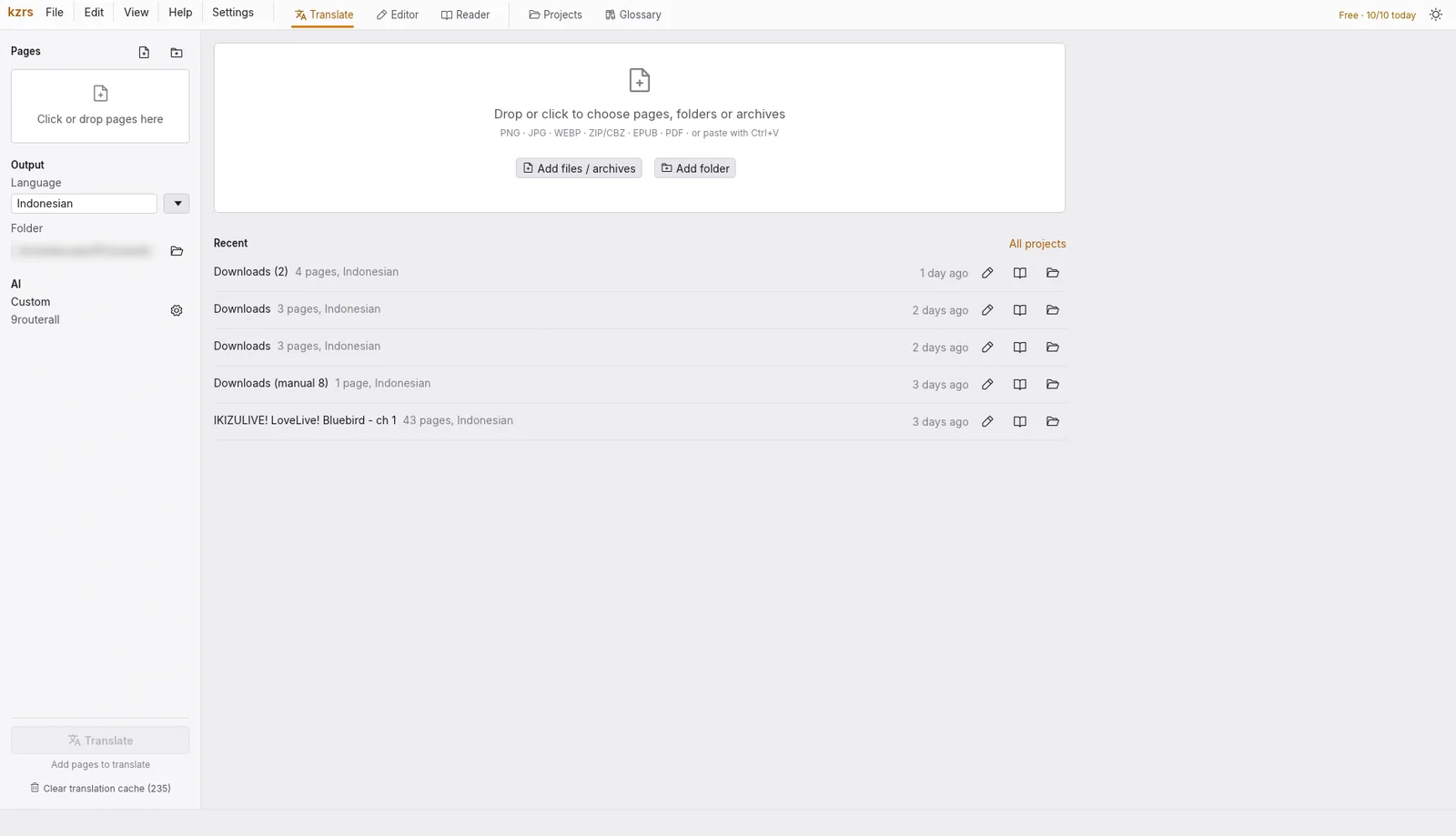
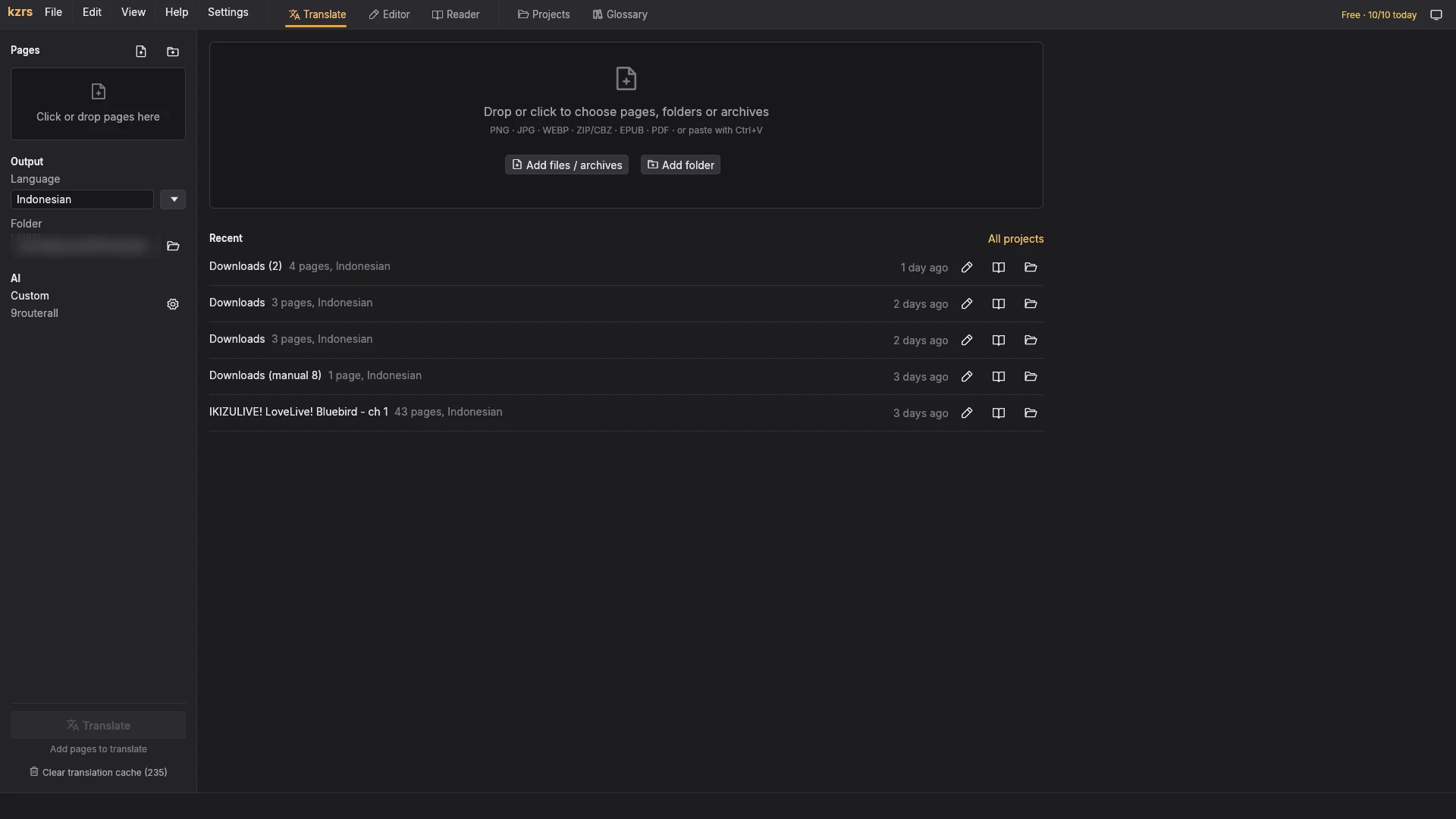
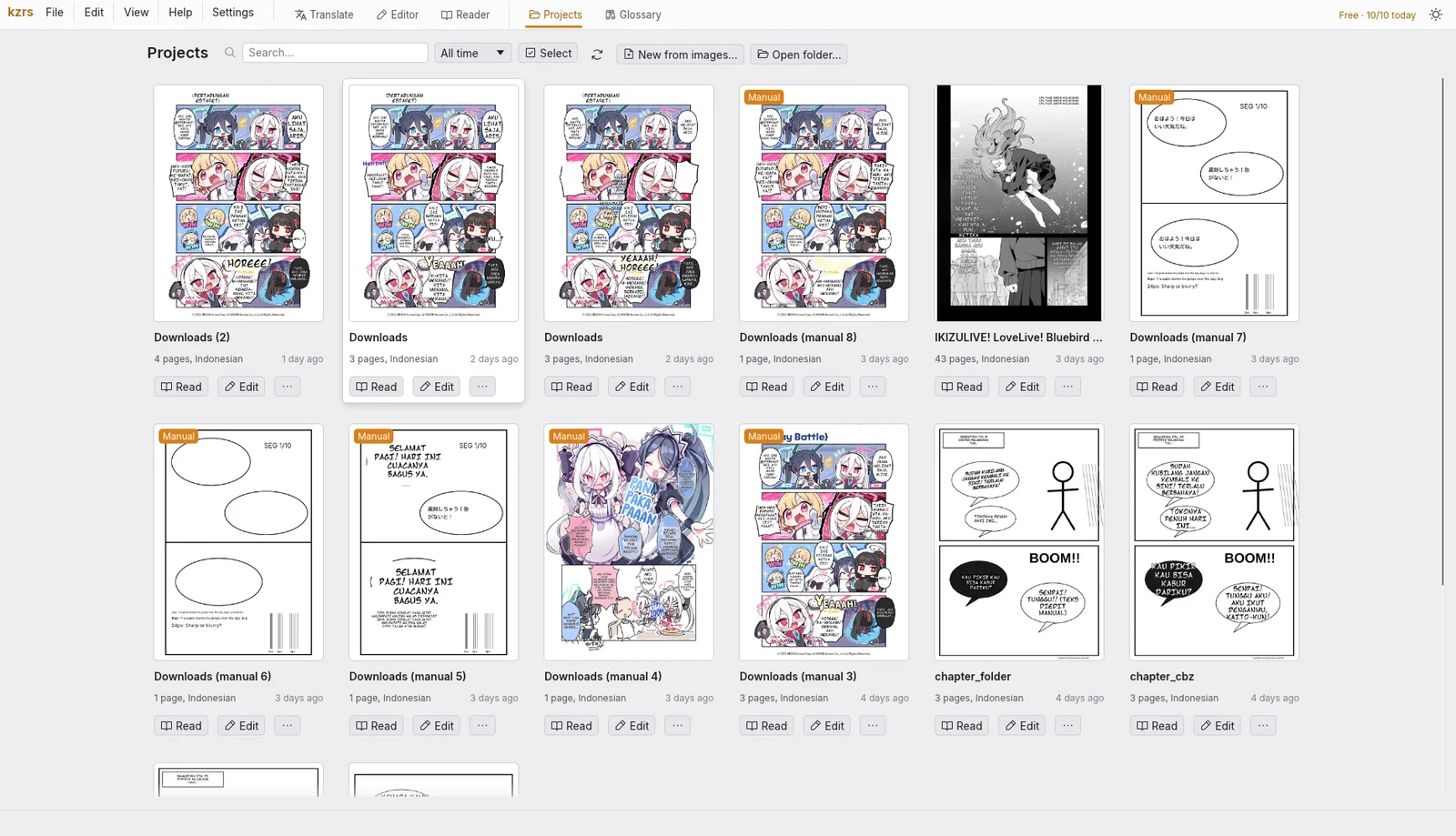
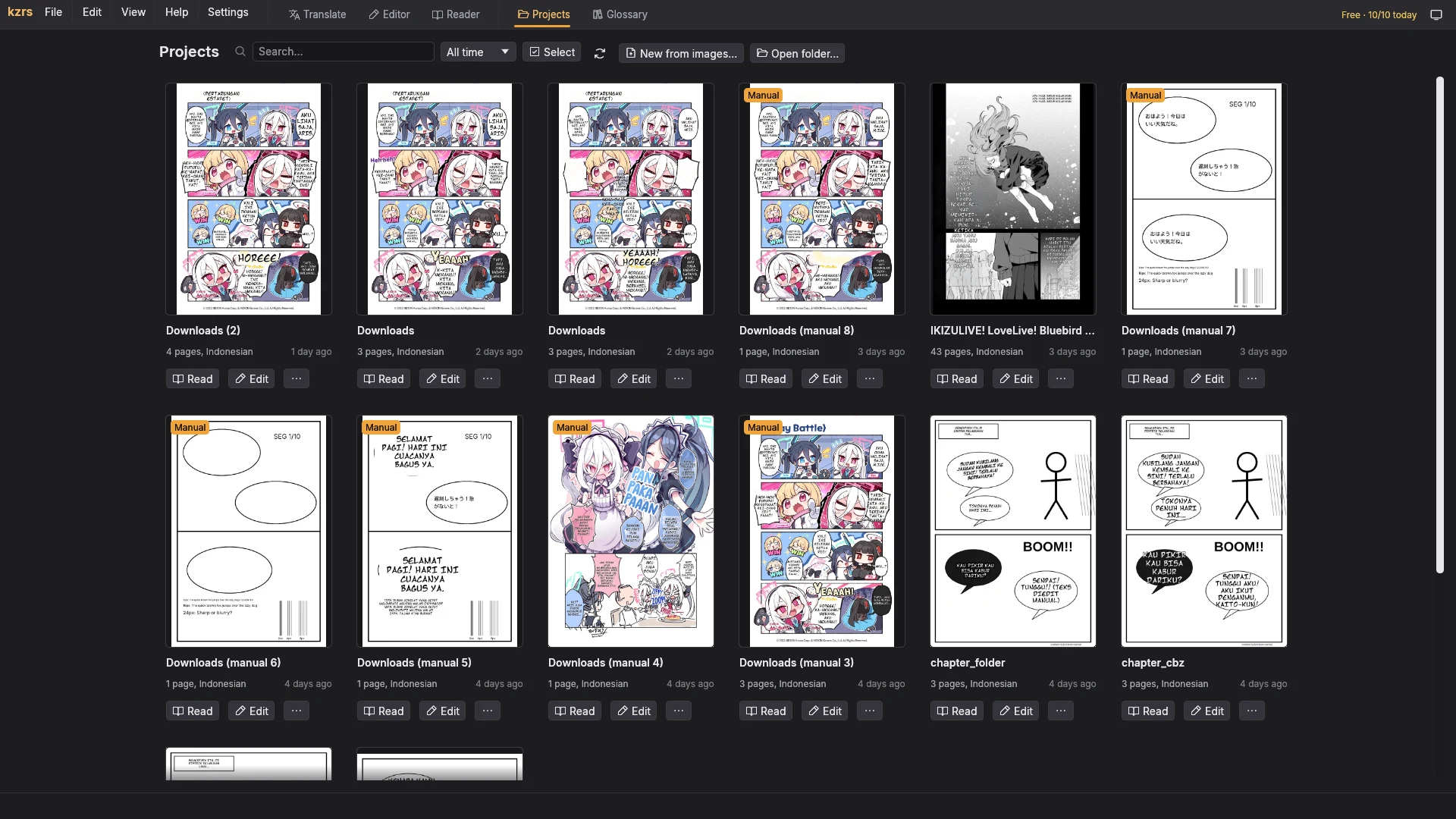
- 1 Import
Images, folders, ZIP / CBZ, EPUB or PDF.
Editable: Reorder pages, add more files.
- 2 Detect
Finds speech bubbles and text boxes on each page.
Editable: Draw, move or delete boxes.
- 3 OCR
Reads the Japanese, Chinese, Korean or English text in each box.
Editable: Fix any line, or read one box again.
- 4 Translate
Sends only the text to the AI you pick.
Editable: Re-translate one bubble, set the glossary.
- 5 Clean
Erases the lettering with LaMa or Telea.
Editable: Brush, restore or erase by hand.
- 6 Typeset
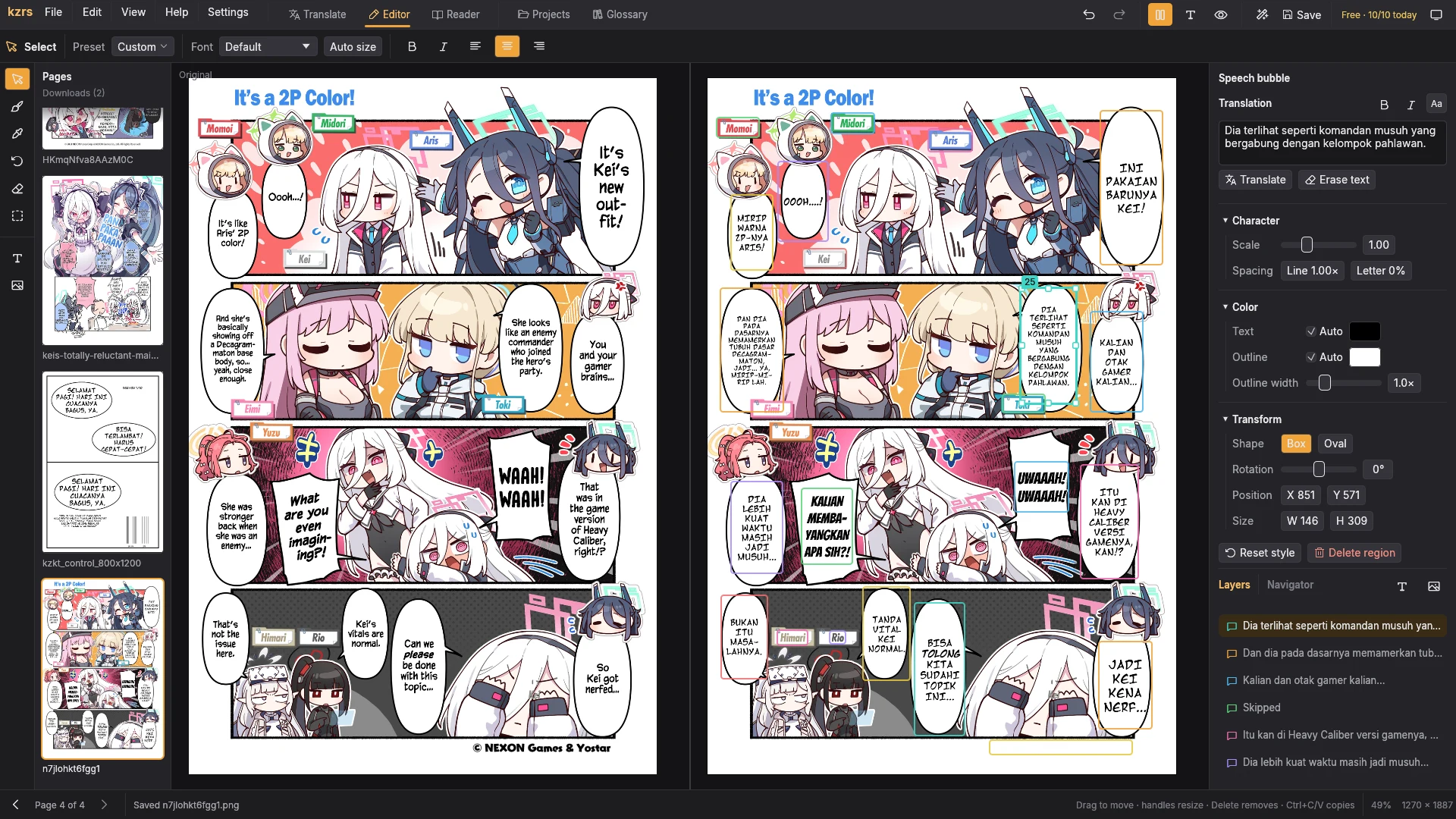
Sets the translation in comic fonts, sized to fit.
Editable: Font, size, colour, outline and rotation per box.
- 7 Export
Exports to CBZ or PDF.
Editable: Choose pages and their order.
Every step stays editable.
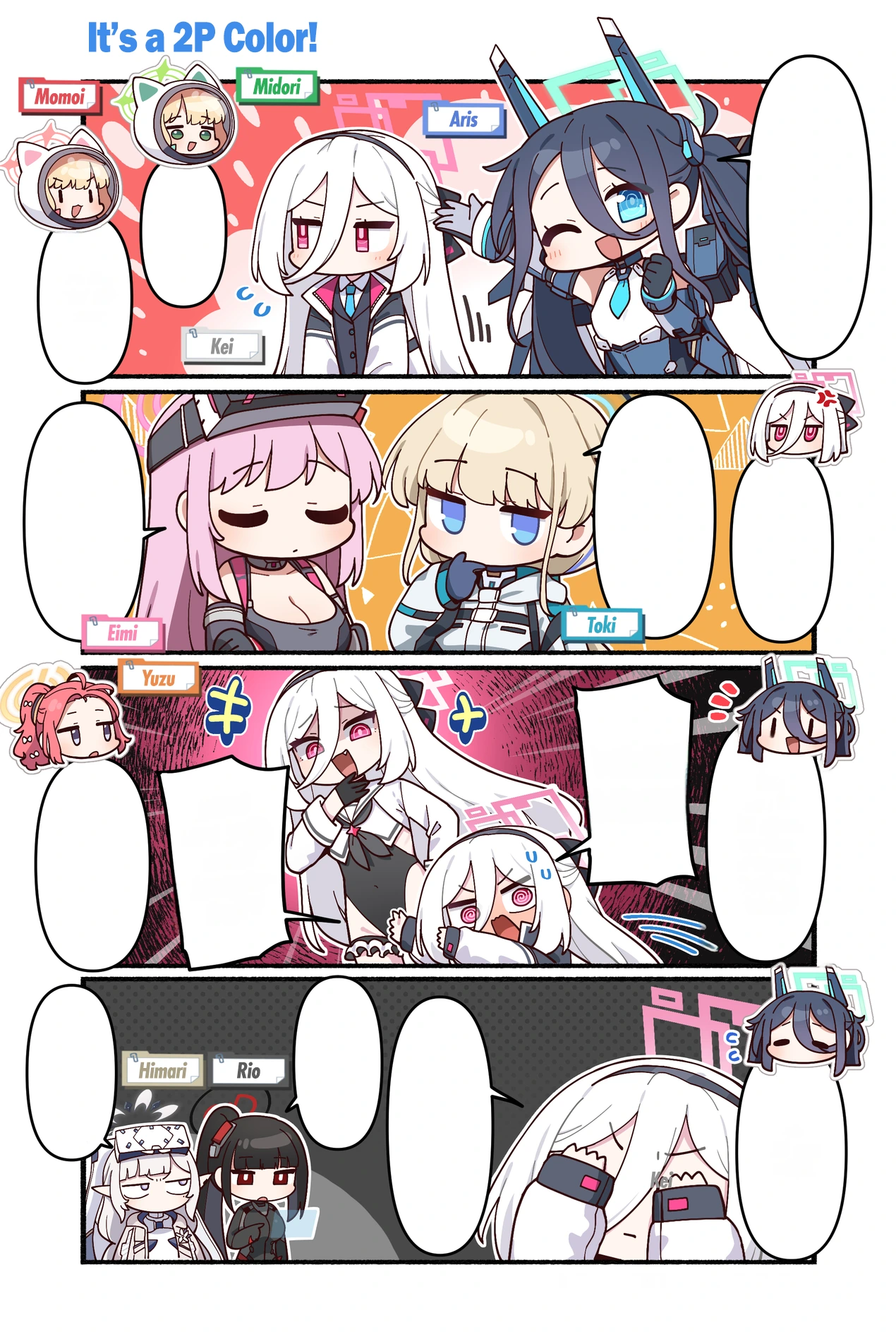
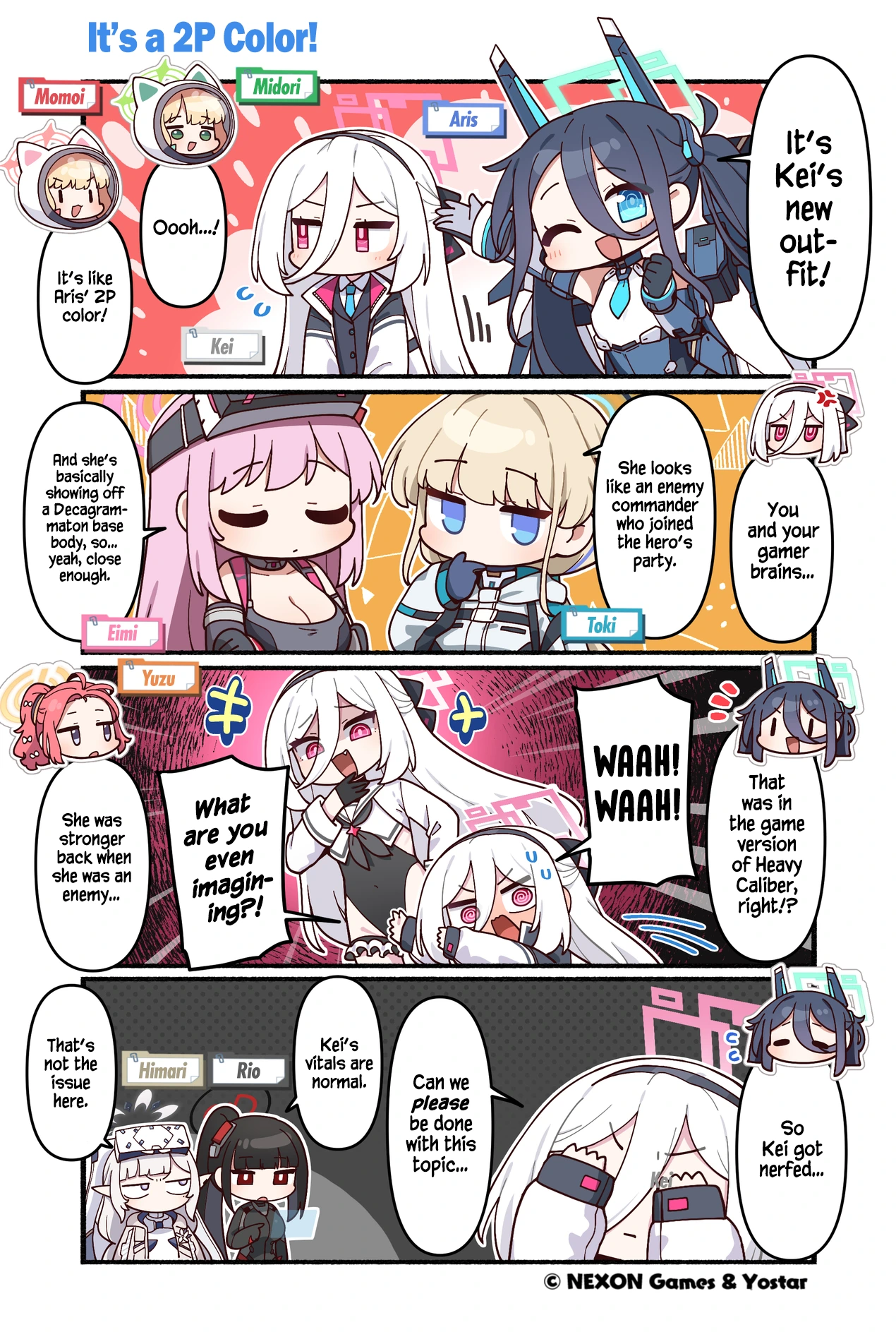
Before and after cleaning
The original lettering is erased and the art behind it rebuilt with LaMa or fast Telea, so nothing of the old text shows through.
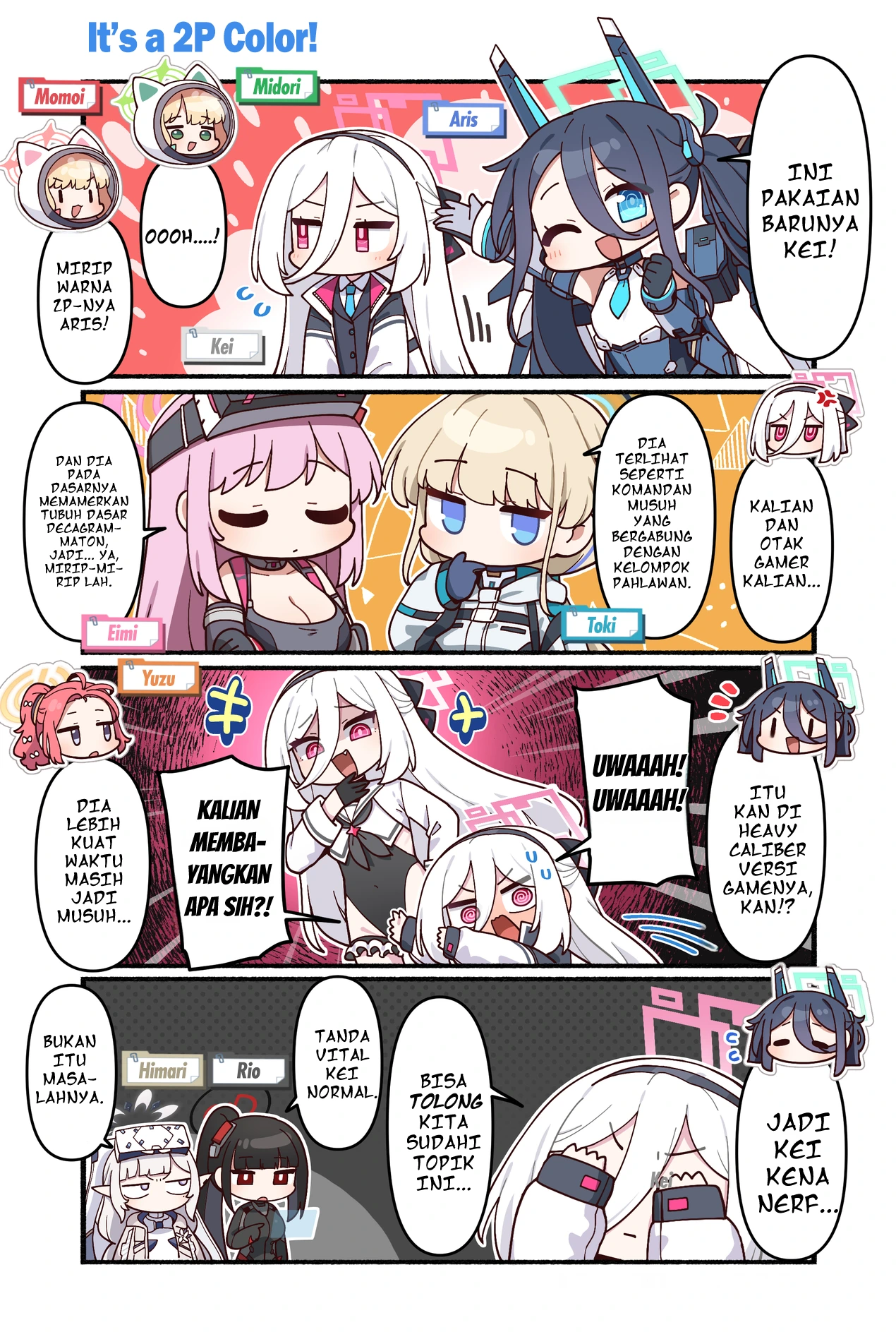
Before and after translating
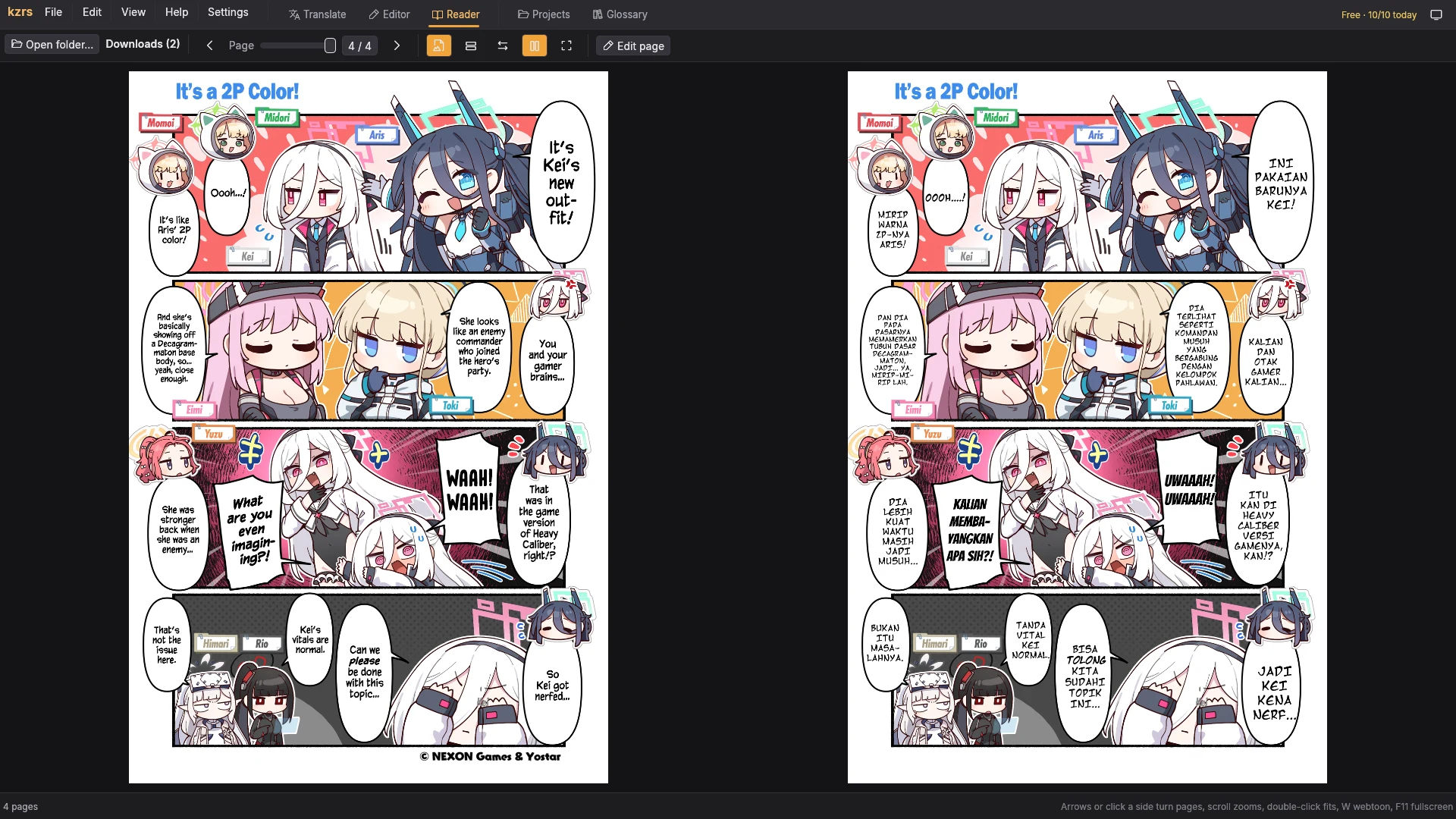
The translation is set into each bubble with a comic font, sized and broken into lines to fit its shape.
Screenshots
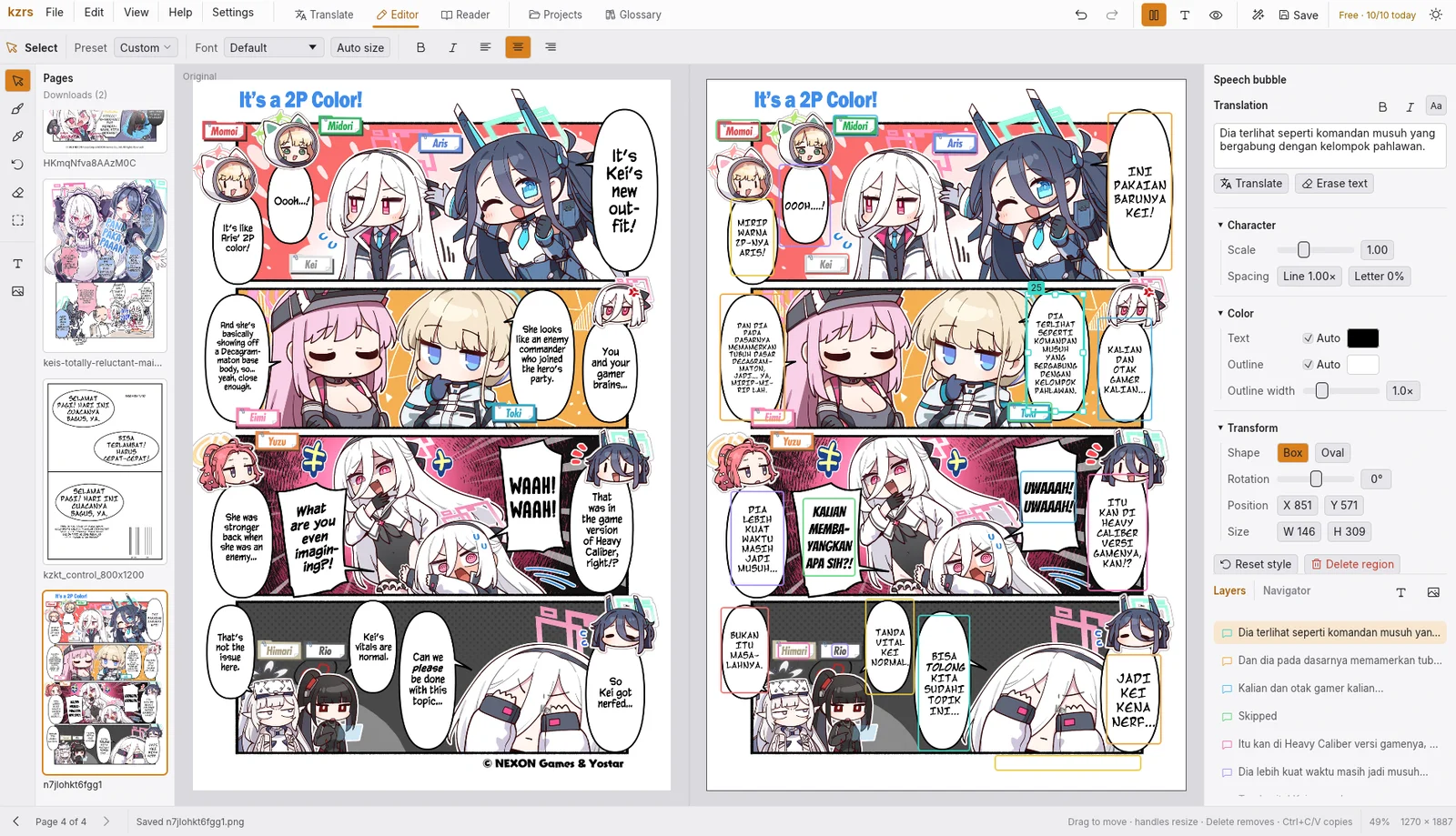
What is included
On-device vision
Bubble detection, OCR, inpainting and typesetting run locally. Only the text goes to the AI, never the images.
Any AI provider
Gemini, Claude, OpenAI, OpenRouter, Zen, OpenCode Go or any OpenAI-compatible endpoint, including local models.
16 target languages
Indonesian, English, Malay, Javanese, Spanish, Japanese, Korean, Chinese and more, with genre styles from comedy to action.
Clean lettering
LaMa or Telea inpainting, bubble-aware line breaks, vertical Japanese and five bundled comic fonts.
Page editor
Style presets, bold and italic, spacing, oval boxes, layers and pictures, batch edits, undo per page.
Glossary
Keep names and terms the same across every page and chapter.
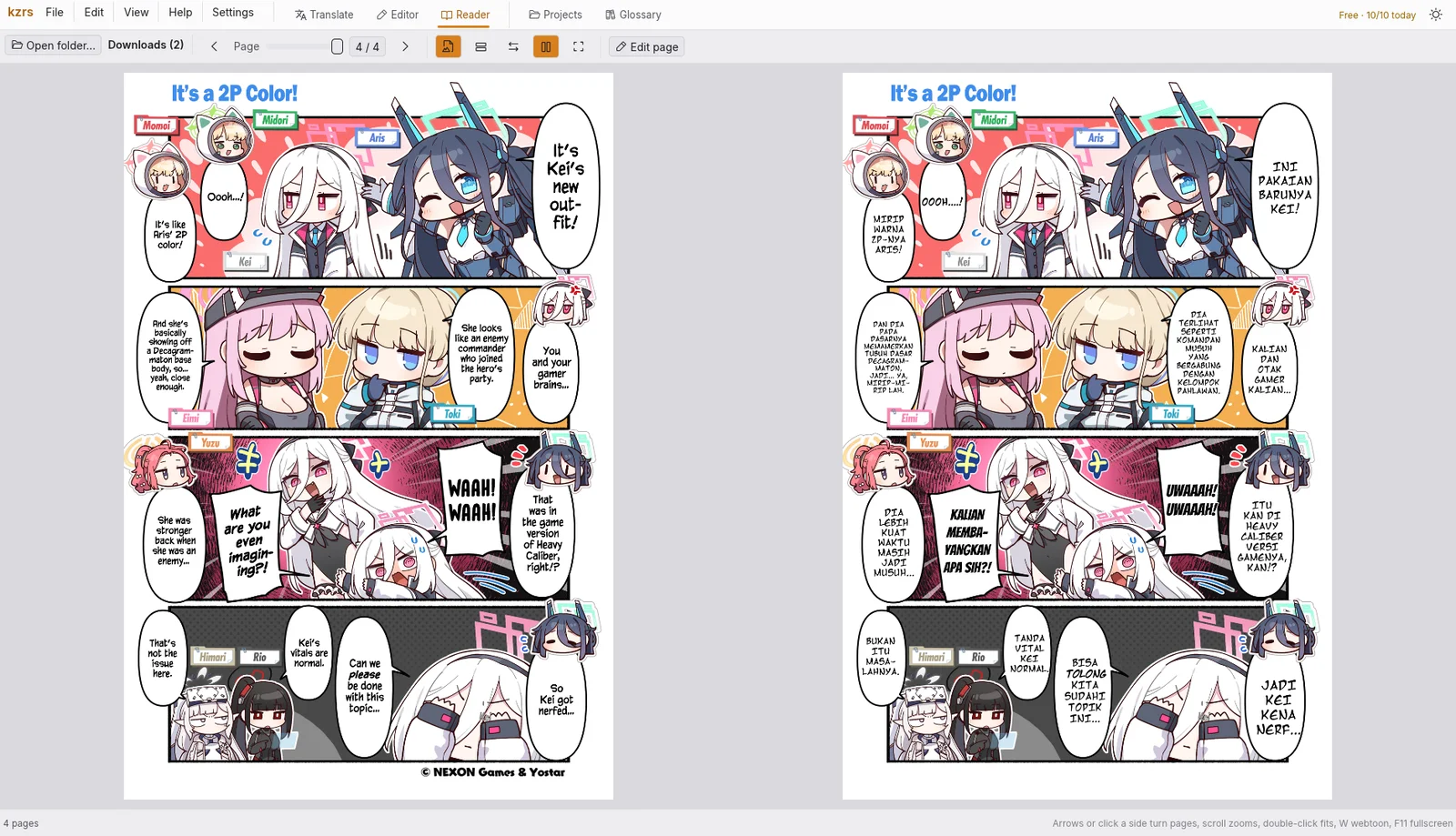
Reader and export
Page or webtoon reading, side-by-side compare, export to CBZ or PDF.
AI agents
Supporters get a CLI and an MCP server, so Claude Code, OpenCode or Codex can check and fix pages.
Images are not uploaded
Only the bubble text is sent to the AI provider you pick. With a local model, nothing leaves the computer.