Translate manga
on your desktop.
KZRS finds the speech bubbles, sends their text to the AI you choose, erases the original lettering and typesets the translation. Whatever needs fixing, you fix in the editor.
Windows .exe · .msi macOS .dmg Linux AppImage · tar.gz
Free · 10 pages a day · no account
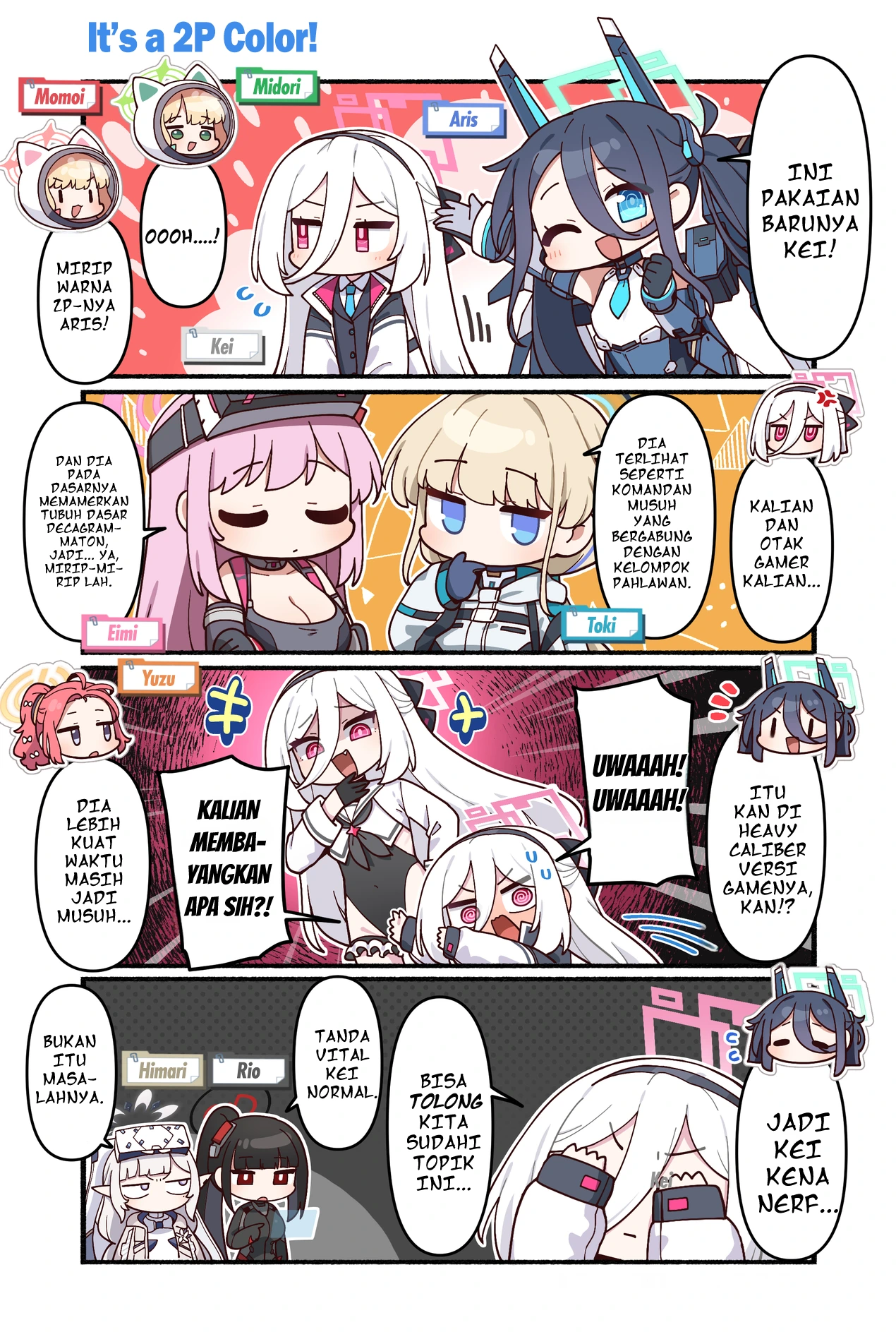
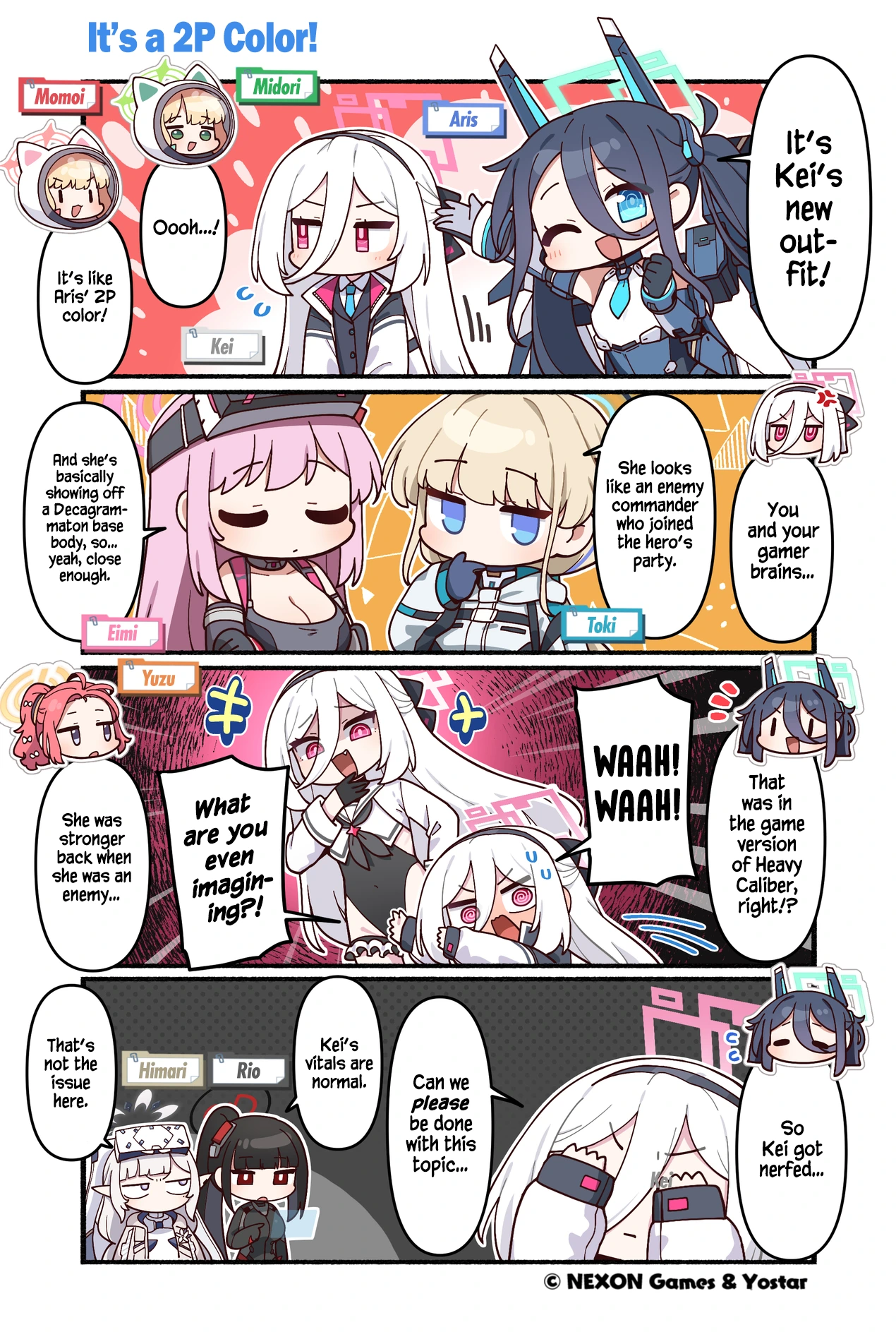
- 1
Drop your pages
Images, folders, ZIP / CBZ, EPUB or PDF.
- 2
Translate with your AI
Gemini, Claude, OpenAI, OpenRouter or a local model.
- 3
Polish, read, export
Fix any bubble, read the chapter, export CBZ or PDF.
Before and after
The sample page cleaned and translated, screenshots of the app and the full feature list.
Features →How to use it
Installing, connecting an AI, translating a chapter, fixing it and exporting it.
Guide →Free and Supporter
10 pages a day for free. Supporter removes the limit and adds the command line and agent tools.
Supporter →Common questions
Is KZRS free? +
Yes. The app is free with 10 translated pages a day; editing, reading and exporting are not limited. A Supporter code removes the limit.
Do I need an API key? +
For cloud AI, yes: your own key from Google Gemini, Anthropic, OpenAI or OpenRouter (Gemini has a free tier). Or run a local model with Ollama or LM Studio and no key is needed.
How much does translating cost? +
KZRS itself is free (10 pages a day) or a one-time Supporter code per year. The AI is billed by your provider, not by KZRS. Only the bubble text is sent, so requests are small; the price depends on the provider and model you pick. Gemini's free tier and local models (Ollama, LM Studio) cost nothing.
Are my images uploaded anywhere? +
No. Only the text inside the bubbles goes to the AI provider you choose. Detection, OCR, cleaning and typesetting run on your computer.
Download
Free, no account. You need an API key from an AI provider, or a local model.